EnglishEdit.ai: Building Its AI Writing Tools
EnglishEdit.ai is an AI writing and transcription tool for non-native English speakers. I built the two WordPress plugins that power it: GPT-4 rewriting with a visible diff, and Whisper transcription with speaker labels.
EnglishEdit.ai is a web tool for people who write in English as a second language. You paste a draft, pick how heavy the edit should be and who it is for, and get it back rewritten with every change highlighted. It also turns meeting recordings into readable transcripts with speaker labels. The product lives at englishedit.ai.
It is not my product. In 2023 and 2024 I was the developer hired to build the AI layer underneath it: two custom WordPress plugins that connect the site to OpenAI's APIs and plug into its existing user and credit system. This page is about that build, what the tool did when I shipped it, and the decisions that made it work. What the product has become since is up to its owners.
Text Rewriting Plugin
The editing plugin gives users a set of parameters before they submit text: how aggressively to edit (light, moderate, or heavy), who they're writing for (general, business, academic, email, casual), which English variant to use, and what they're trying to accomplish.
Each combination feeds into a prompt I built dynamically in PHP, constructed from mapped instruction strings. The prompt gets sent to OpenAI's completions API, and the result is compared against the original using a character-level diff library — so instead of just replacing the text, users see exactly what changed, highlighted inline. That diff view was one of the more satisfying parts to build; it makes the AI's suggestions feel reviewable rather than opaque.
The plugin also logs every request to a custom database table — original text, rewritten text, token count, timestamp — with a scheduled cleanup job that purges records older than 30 days. There's an admin dashboard where the client can monitor usage across users.
Audio Transcription Plugin
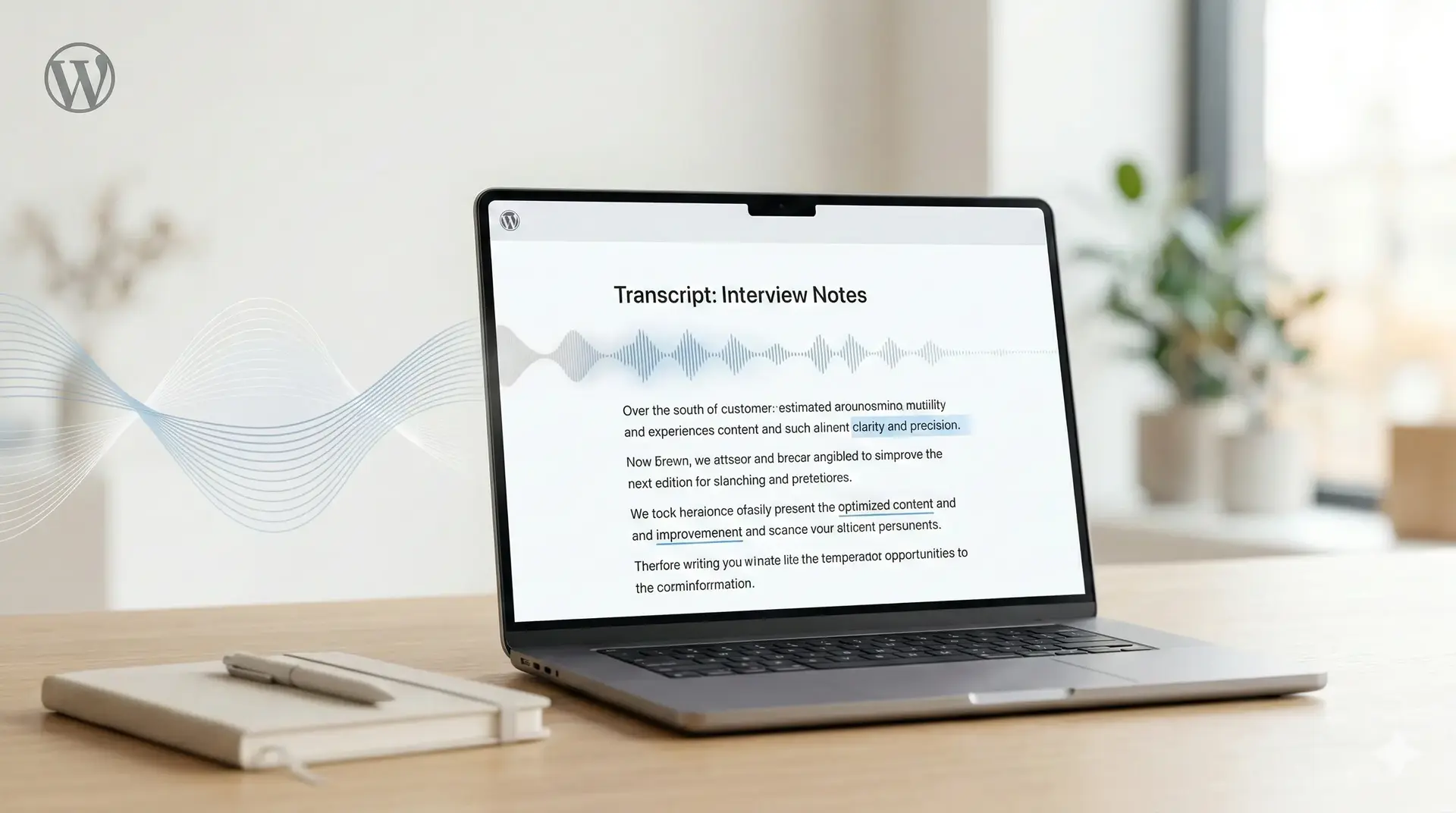
The transcription plugin lets users upload meeting recordings and receive formatted transcripts. It uses OpenAI's Whisper model for speech-to-text, with an optional translation step for non-English audio.
The main technical challenge was the Whisper API's 25MB file size limit. For larger recordings, the plugin reads the file in chunks, sends each through Whisper separately, and reassembles the text. After raw transcription, the result goes through a second API call — GPT-4 with a configurable speaker prompt — so instead of an unlabeled wall of text, users get a readable transcript with speaker attribution. The speaker prompt is configurable from the WordPress admin, which let the client tune the formatting without touching code.
The plugin integrates with the site's existing credit system, deducting usage based on audio duration before processing. Users can save transcripts directly as WordPress posts.
Approach
Both plugins follow standard WordPress conventions: the Settings API for configuration, AJAX handlers with nonce verification, and shortcodes for embedding on pages. The frontend is jQuery. The AI work is mostly prompt engineering and API integration — knowing which model to use for what, how to structure instructions, and where to handle the edges.
APIs: OpenAI (GPT-3.5-turbo-instruct, Whisper, GPT-4)
Libraries: orhanerday/openai-php, jfcherng/php-diff
Platform: WordPress (PHP, jQuery)